











Vitamin C Benefit...
Do you know the individual behind the revolution of vitamin C use in the...
Read more

A healthy immune system is the body's natural defense mechanism against harmful invaders like viruses, bacteria, and other pathogens. It plays a vital role in keeping us well.
What Does a Healthy Immune System Do?
What is Beta Glucan and How Does it Work?
How is Beta Glucan 500 Different?
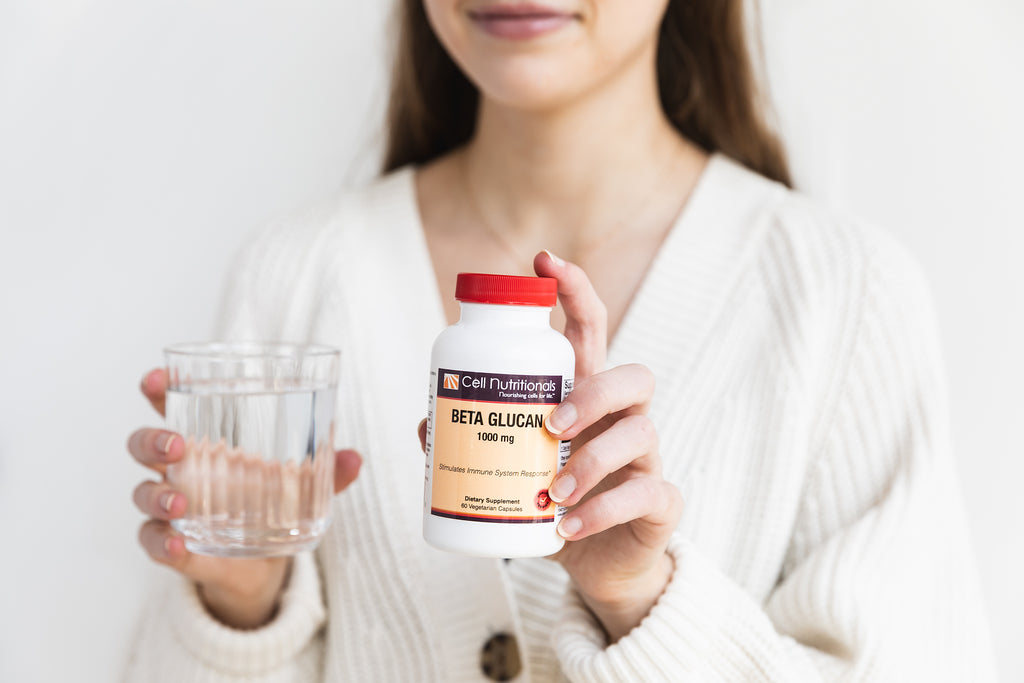
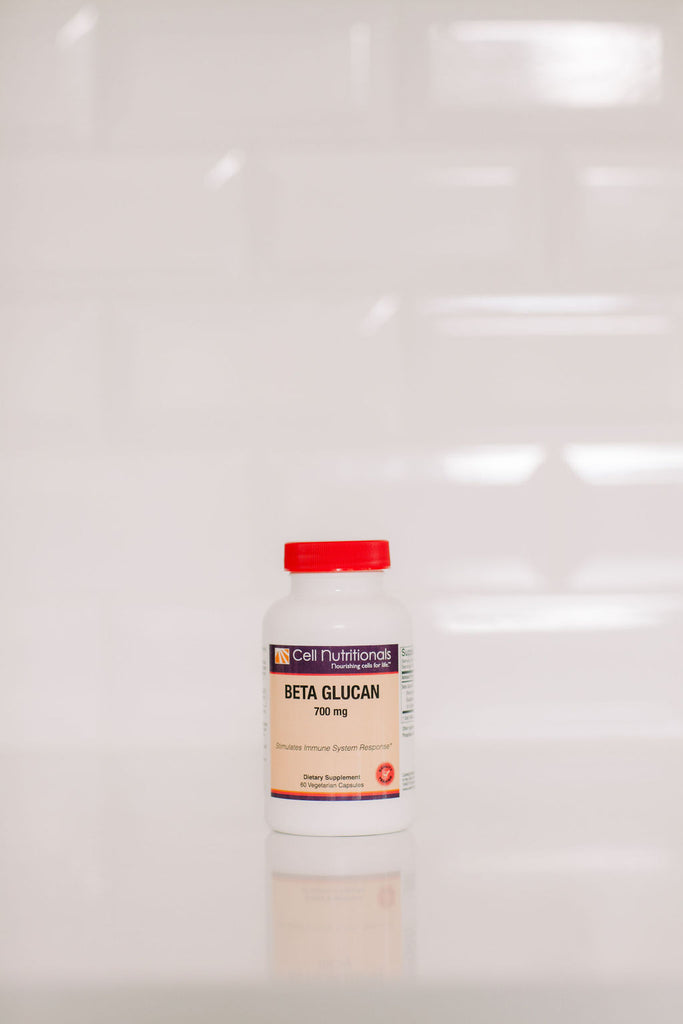
Beta-glucan is a polysaccharide, which means it's a complex carbohydrate made up of glucose (sugar) molecules linked together. It is primarily found in the cell walls of certain plants, fungi, and bacteria.
What Does a Healthy Immune System Do?
What is Beta Glucan and How Does it Work?
How is Beta Glucan 500 Different?
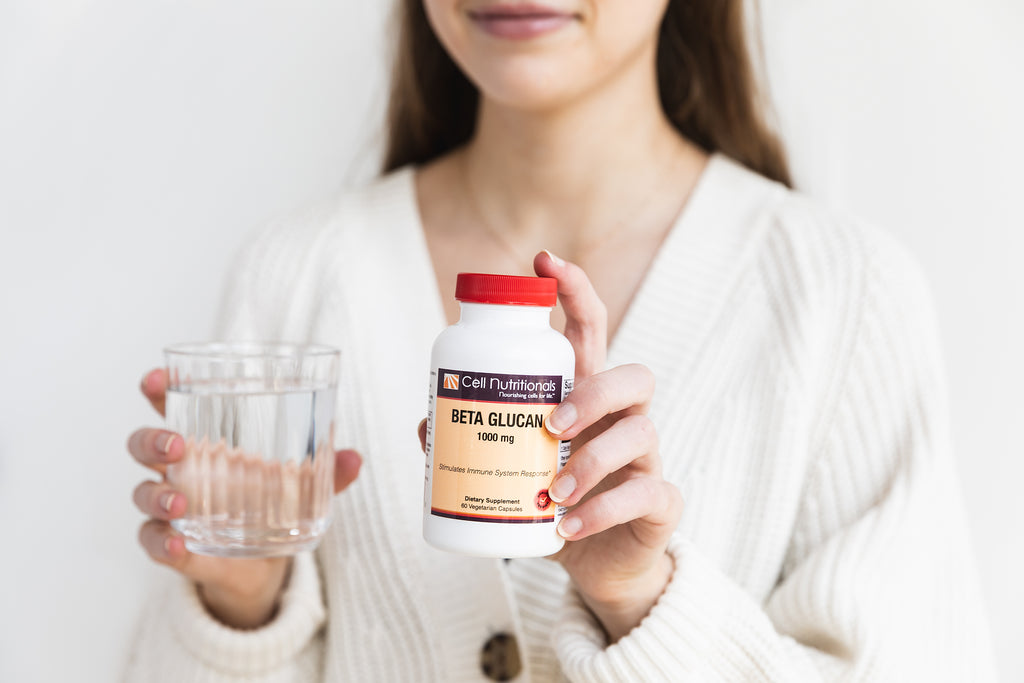
Beta Glucan "1000" typically refers to a dietary supplement that contains a specific concentration or dosage of beta-glucan, which is a type of soluble fiber known for its potential health benefits. The "1000" in the name suggests that this supplement contains 1000 milligrams (mg) of beta-glucan per serving.
What Does a Healthy Immune System Do?
What is Beta Glucan and How Does it Work?
How is Beta Glucan 500 Different?


